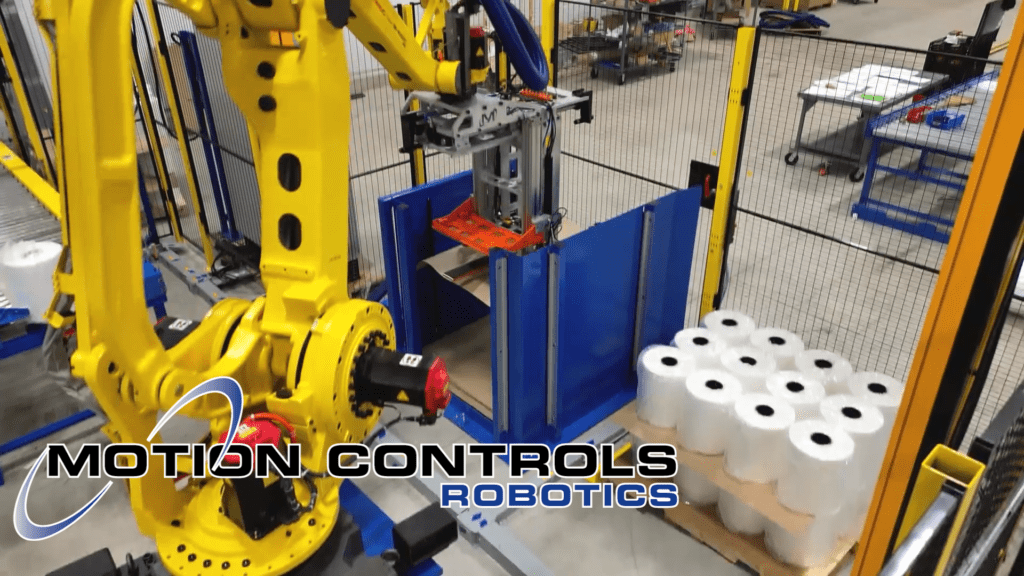
A Palletizing Machine-Dual M-Stack
As an advanced industrial automation palletizer, the Dual M-Stack delivers reliable, high-speed palletizing across two product lines. This system is…
Read ArticleFANUC software options add flexibility, diagnostics, safety, and performance for real-world material handling cells.
Software options for FANUC robots allow the robot to perform a wider range of tasks, communicate more easily with other equipment, and run more reliably in production. Even within material handling, there are many options. This article selects the top 10 options that are needed/selected the most often.
If you are curious about the options required for most material handing projects and why, read this Tech Talk Article - Read: Why do you need FANUC Robot Software Options
Click the option to get more information.
Packet contains 10 PDFs explaining each software option.
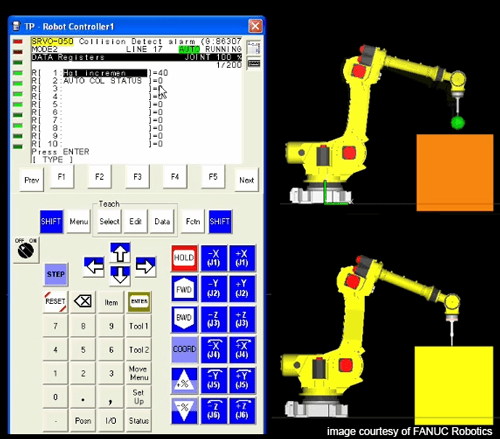
When a collision of any type occurs, an alarm is raised and the robot routine stops. This can cause delays in production, especially if small collisions are part of normal operation. Collision Recovery acknowledges the collision, resets, and continues.
MCRI is developing a system for picking a part using vision to locate the part. This option monitors the current on the desired servo of the robot, and if it exceeds a predetermined value the robot would know it “collided” with the part. This option allows the robot to stop prior to “faulting.” With this option, the robot automatically moves out of the way, a new picture is taken, robot re-positions, and then goes back to pick the part.
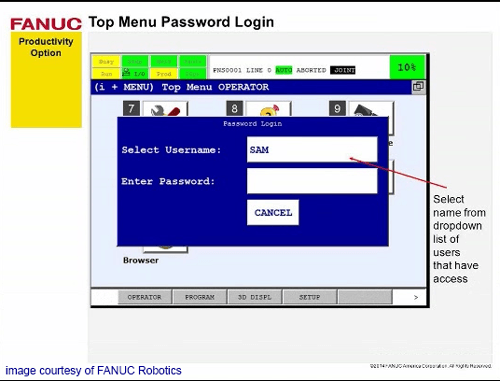
Password protect programs and robot data. User levels can be customized to match the access restrictions your facility needs.
Programmer note: We’ve used this at customer request to require logins for HMI access and to prevent programs from being modified inadvertently.
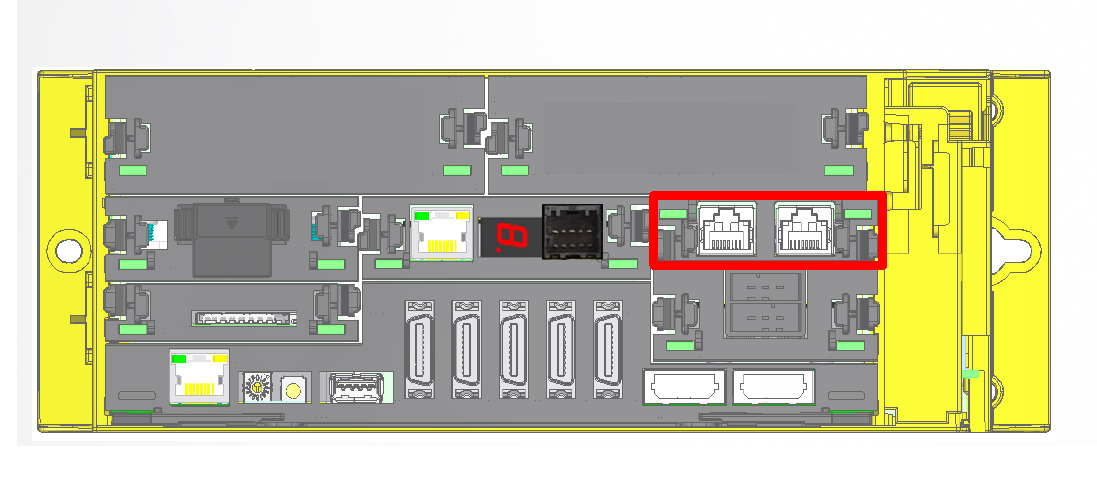
When the robot is the main controller, this option allows it to communicate with other devices on an Ethernet/IP network.
Programmer note: We use Ethernet IP Scanner on systems where a PLC is not the main control platform.
Useful for diagnostics and cycle-time optimization. It can help improve reducer life and overall performance by providing insight into motion behavior.

Helps optimize accuracy and cycle time while supporting longer mechanical life by defining payload properly across different speeds.
Programmer note: We can often reduce the need for trial-and-error by leveraging experience calculating payload data precisely. If you’re not deeply familiar with payload tuning, this option matters.
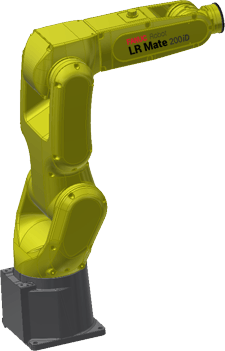
Senses torque changes to detect collisions (sensitivity adjustable). Helps minimize damage to the robot and EOAT.
Programmer note: Helps protect against accidental hits with fixtures/structures and allows a brief “float” to absorb shock.
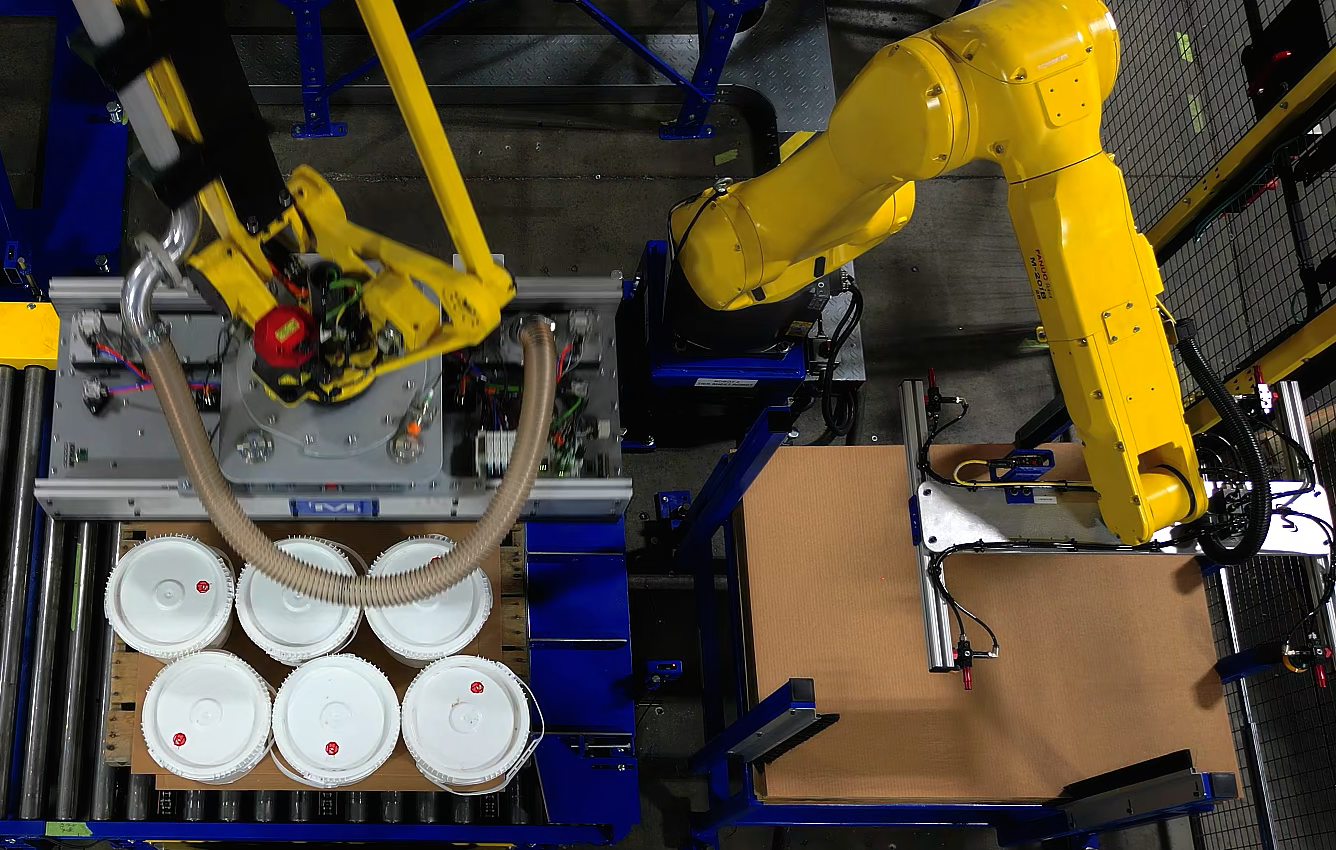
Commonly used to simplify Ethernet communication between the robot and a Rockwell PLC (I/O and data exchange).
Programmer note: Easy to set up and reliable for I/O and data exchange over Ethernet.
Improves cycle time and placement accuracy. Supports approach/retract linear distances and time-before/time-after features to trigger I/O at the right moment.
Programmer note: One of the most widely used options for us - useful for optimizing cycle time and supporting long-term mechanical life.
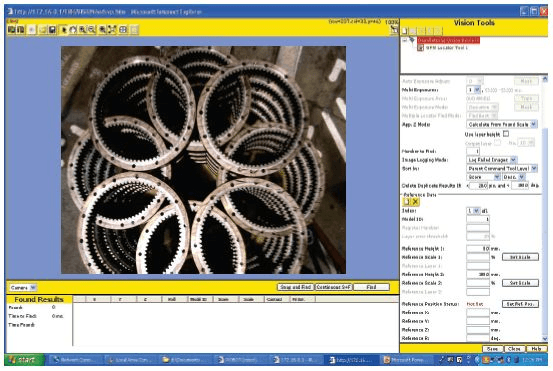
Vision is increasingly a standard “want” in robot systems. iRVision 2D is used for verification and can reduce dependence on external fixtures.
Programmer note: Useful for inspecting parts, locating parts, and verifying correct parts.
Dual Check Safety features help protect people and equipment. DCS can also limit the robot workspace—reducing total floorspace needed.
Programmer note: We use DCS in most systems to limit motion. Position checks can also make homing easier by confirming where the robot is within the cell.
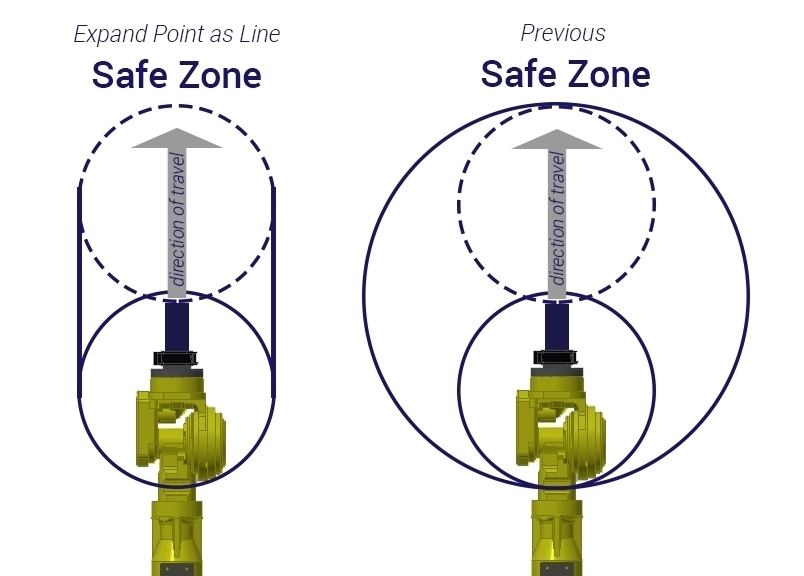
Almost all our robotic systems use DCS in one form to limit the robot’s motion. We also implement DCS Position Checks to help make homing the robot easier, since we can setup zones that let us know where the robot is at in the cell.
Choosing the right software options starts with the system. Software options aren’t selected in isolation but are tied directly to how the robot cell is built and operated. When we integrate a system, we specify the options that support performance, safety, and long-term reliability.
Request More Information