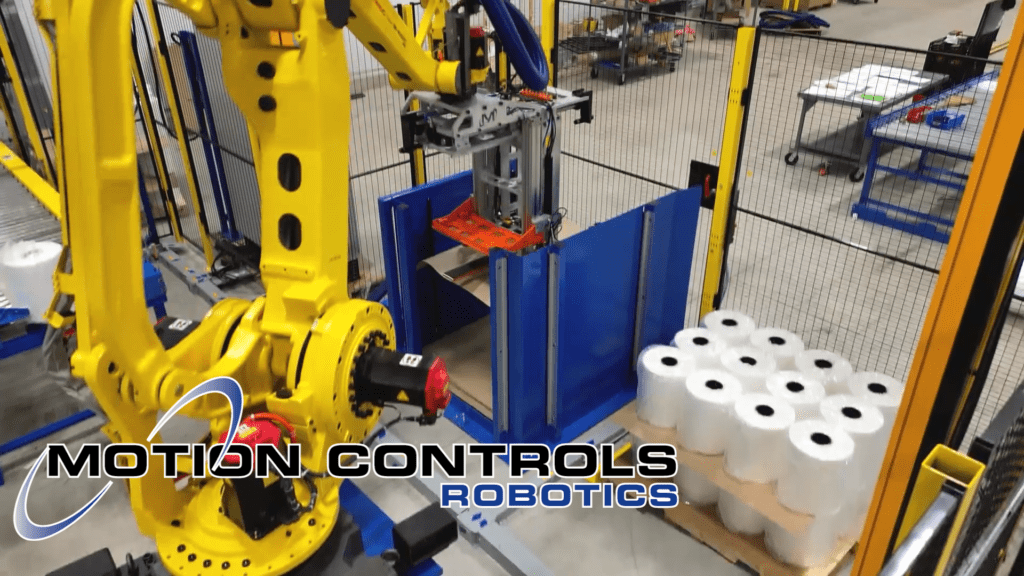
A Palletizing Machine-Dual M-Stack
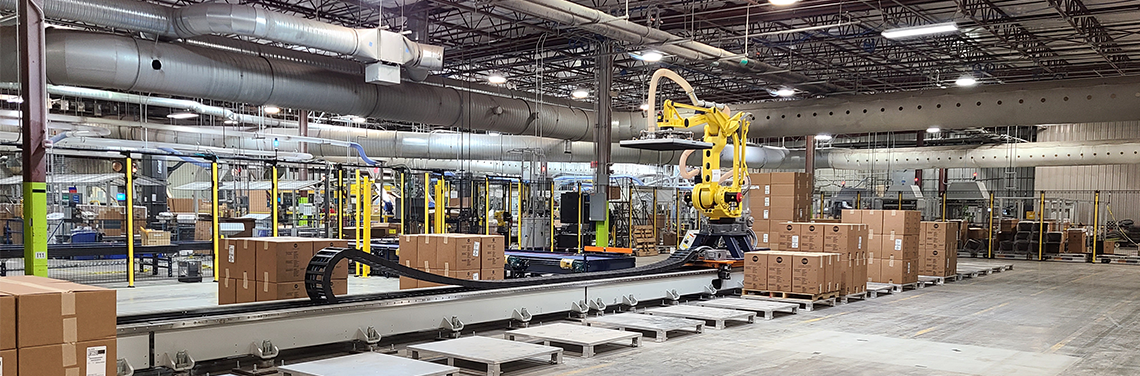
As an advanced industrial automation palletizer, the Dual M-Stack delivers reliable, high-speed palletizing across two product lines. This system is…
Read ArticleOver the next year, Motion Controls Robotics will begin transitioning all new systems to a next-generation HMI platform. This shift is driven by changes in the industry, long-term support considerations, and the opportunity to deliver faster, more flexible, and more data-driven experiences for our customers.
This Tech Talk explains what’s changing, why it matters, and how customers benefit.
Rockwell’s PanelView HMI lineup has been a long-time standard across our automation systems. It is a platform many manufacturers have relied on since the “1900s”. But with PanelView now entering planned end-of-life phases and showing increasing limitations in design flexibility, connectivity, and data handling, it’s time to prepare for the next evolution in HMI technology.
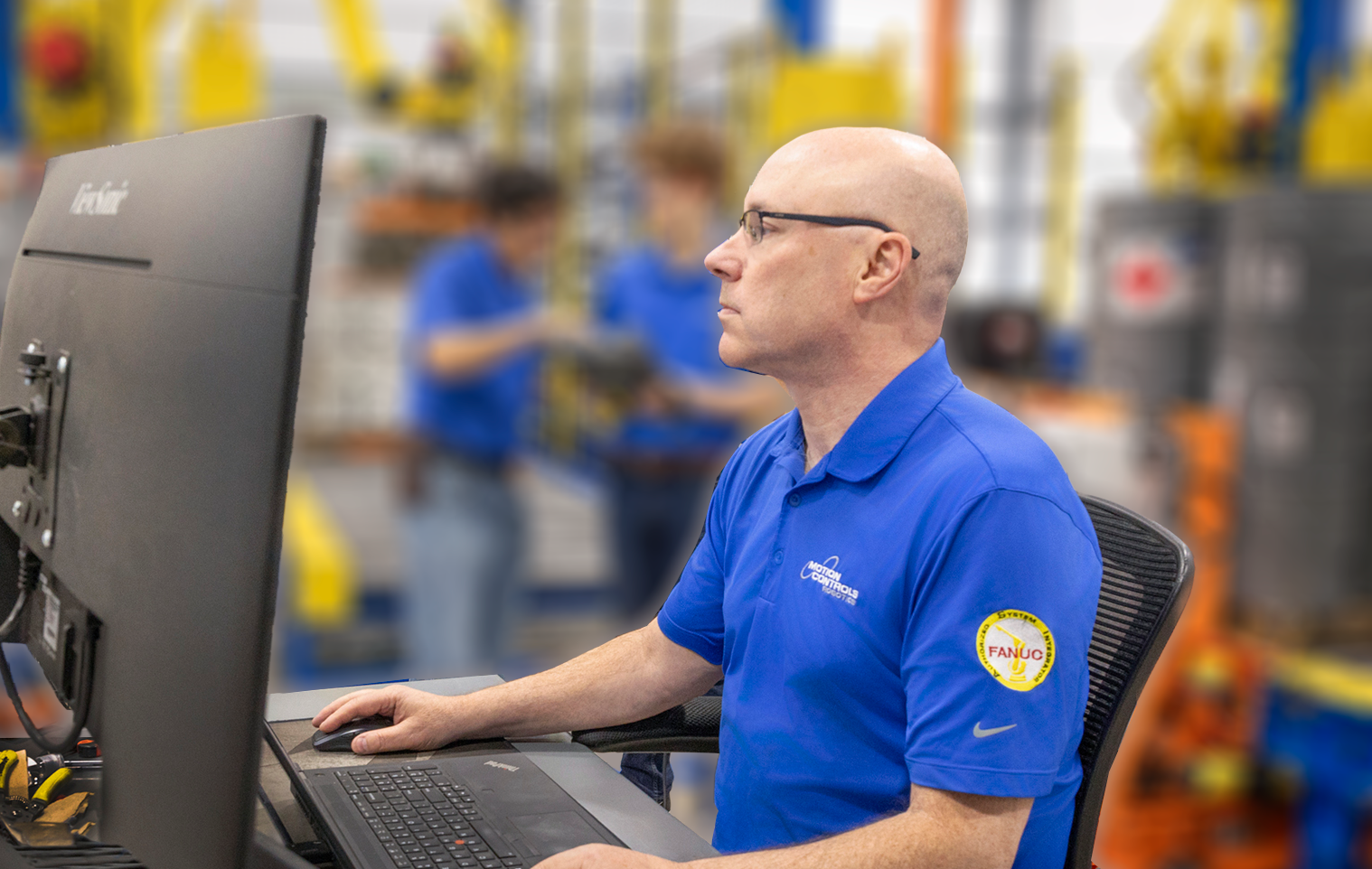
“At Motion Controls Robotics, the use of the latest technology to enhance FANUC robotic cells is the norm. The use of Optix on our systems is one of the most anticipated and exciting additions in years.”
Earlier MCRI projects were often compact, single-robot systems with one infeed, one outfeed, and a straightforward HMI.
Today, more of our work centers on multi-robot, highly integrated lines that coordinate labelers, baggers, AGVs/AMRs, printers, and conveyor networks.
That shift is exactly where a modern HMI platform like FactoryTalk Optix makes a noticeable difference.
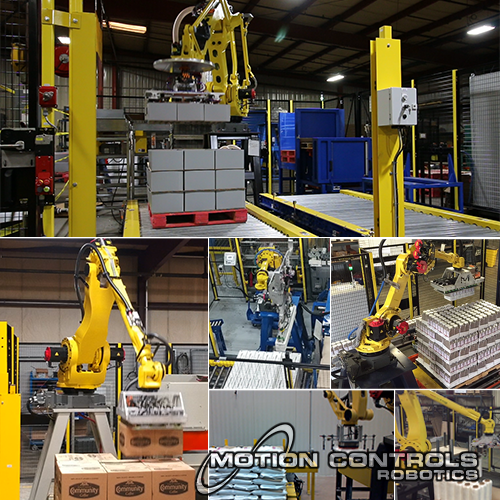
Typical earlier-generation cell: one robot, one product flow, one primary HMI.
Smaller, single-robot systems typically included:
A traditional PanelView HMI could support these cells with a small set of well-structured screens.
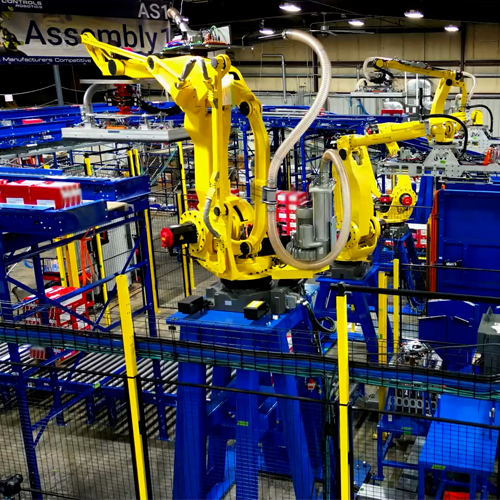
Modern integrated line: multiple robots, devices, and flows coordinated in one environment.
Larger, multi-robot systems now often include:
In these setups, the HMI needs to show everything working together so operators can easily see what’s happening across the whole system.
🔷
Single-Robot Cells – focused, standalone automation
🔷
Integrated Lines – connected robots & devices
How Rockwell’s legacy PanelView HMIs compare to the newer FactoryTalk Optix platform in MCRI systems.
| Feature / Aspect | Rockwell PanelView (Existing / Legacy) |
Rockwell FactoryTalk Optix (New Platform) |
|---|---|---|
| Role in MCRI Systems | Long-time standard HMI for many installed systems. | Future standard HMI platform for new systems and major upgrades. |
| Support Horizon | An undetermined future | Actively developed as Rockwell’s next-generation HMI. |
| Technology Base | Traditional, hardware-bound HMI environment. | Web-oriented environment using modern concepts and tools. |
| Screen Design Flexibility | More rigid layouts with limited styling and animation. | Highly flexible layouts, richer styling, modern UI patterns. |
| Development Experience | Classic HMI editor; less modular and less web-like. | Modern development tools; more modular and easier to reuse components. |
| Connectivity to Databases | Basic connectivity, often requires more effort to integrate. | Designed for more efficient communication with databases and external systems. |
| Server / Cloud Capability | Primarily panel-based; remote use often added on. | Can run from a panel, PC, or server |
| Deployment Options | Deployed to individual HMI terminals. | Can be served to multiple clients (terminals, laptops, tablets) from a central point. |
| Remote Access | Limited / add-on dependent. | Remote viewing and operation available |
| Integration with Analytics | Some integration possible but can be time-consuming. | Better suited for integration with tools like ImpactIQ and other analytics platforms. |
| Operations Data for Troubleshooting | Basic alarms and diagnostics screens. | Operational data, trends, and diagnostics for faster problem-solving. |
| Customization for Customers | Customization is possible but can be time-consuming. | Easier to build, standardize, and customize views for different users and companies. |
| Future-Proofing | Good for maintaining existing systems until retirement. | Aligned with Rockwell’s roadmap and modern HMI best practices. |
MCRI is adopting this new HMI platform as our standard for robotic cells, palletizing systems, end-of-line automation, and integrated multi-robot lines.
The result: a more flexible, future-proof interface that makes your automation easier to maintain, expand, troubleshoot, and connect to the rest of your operation.